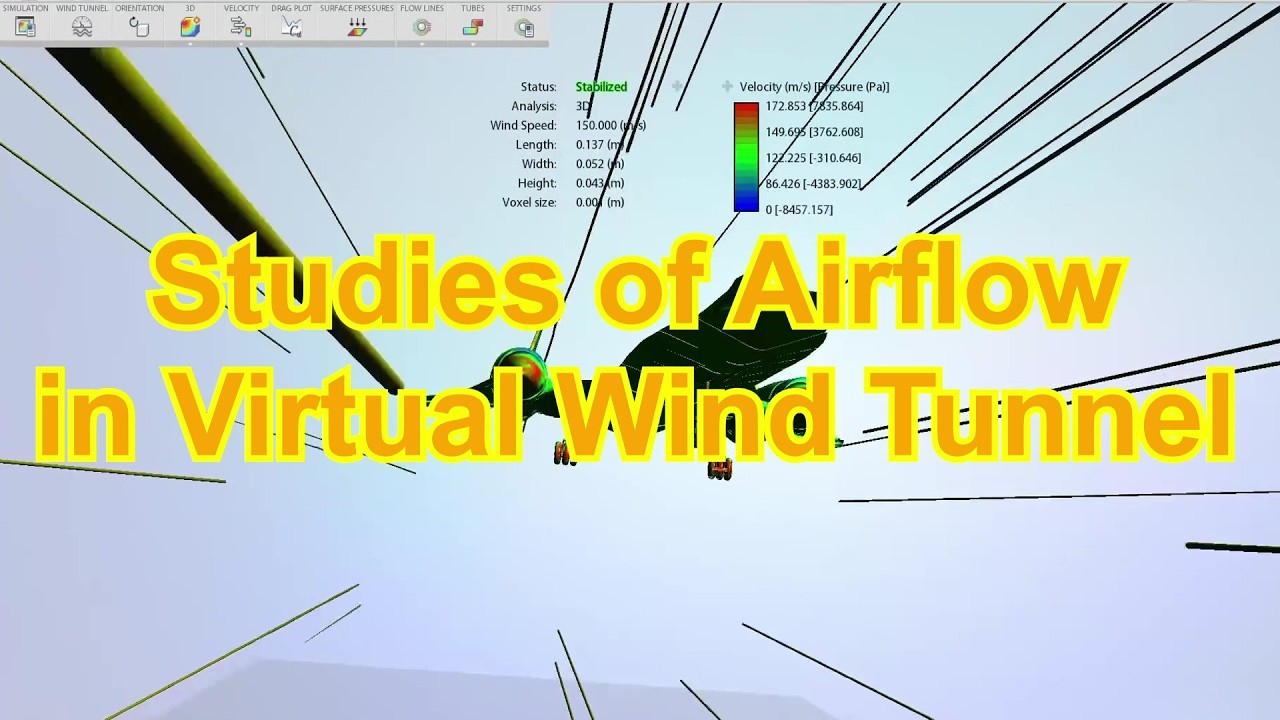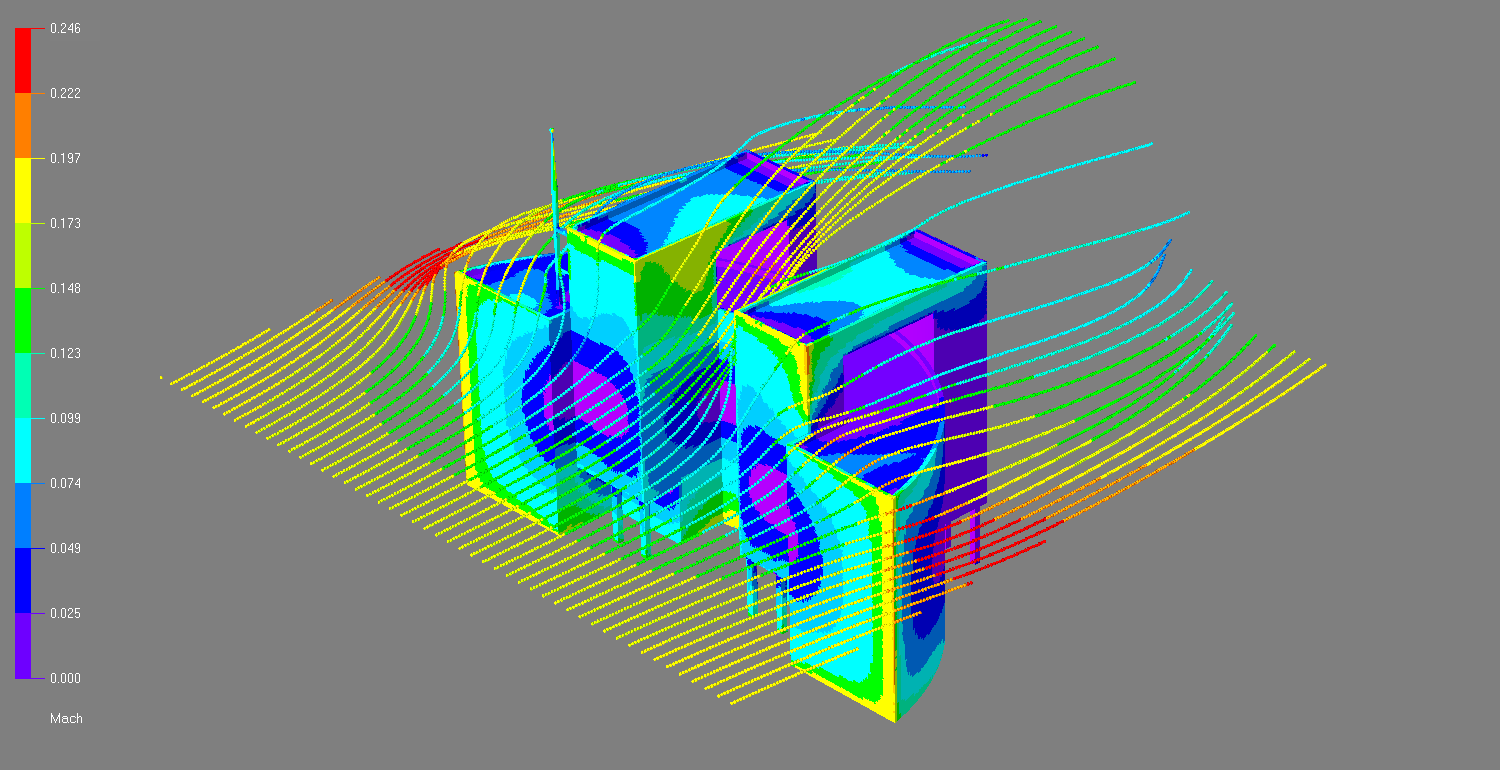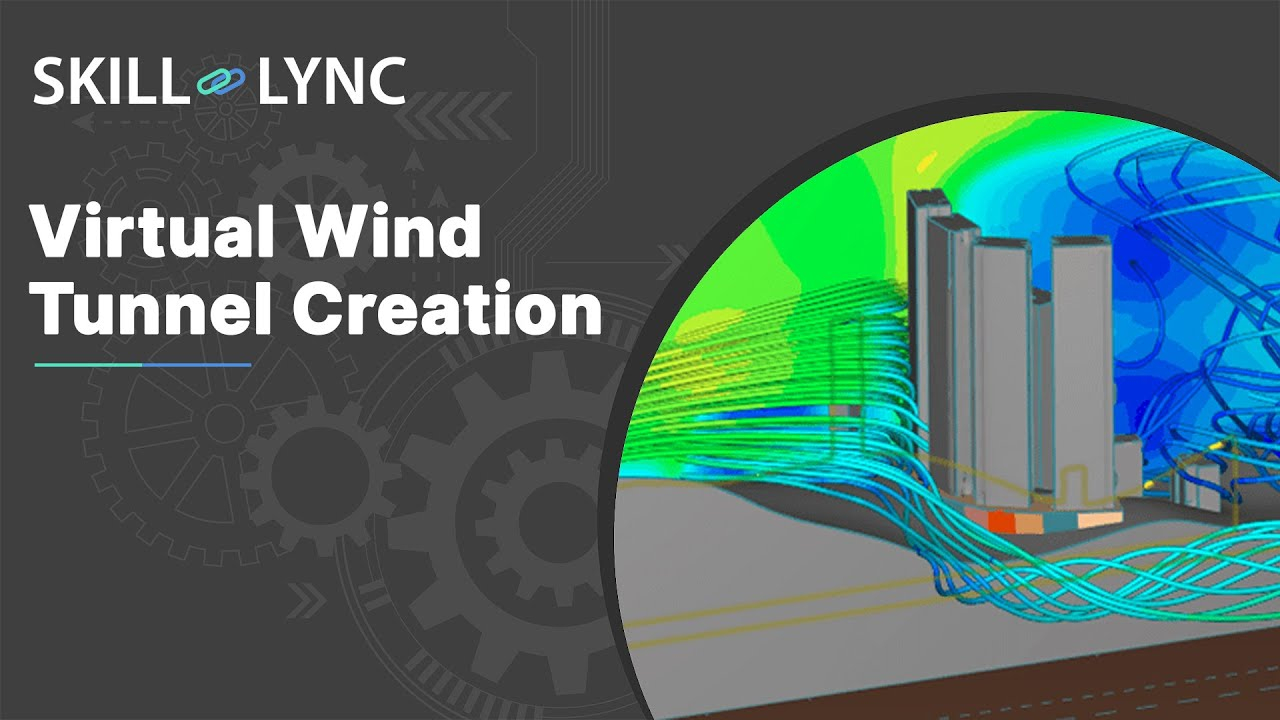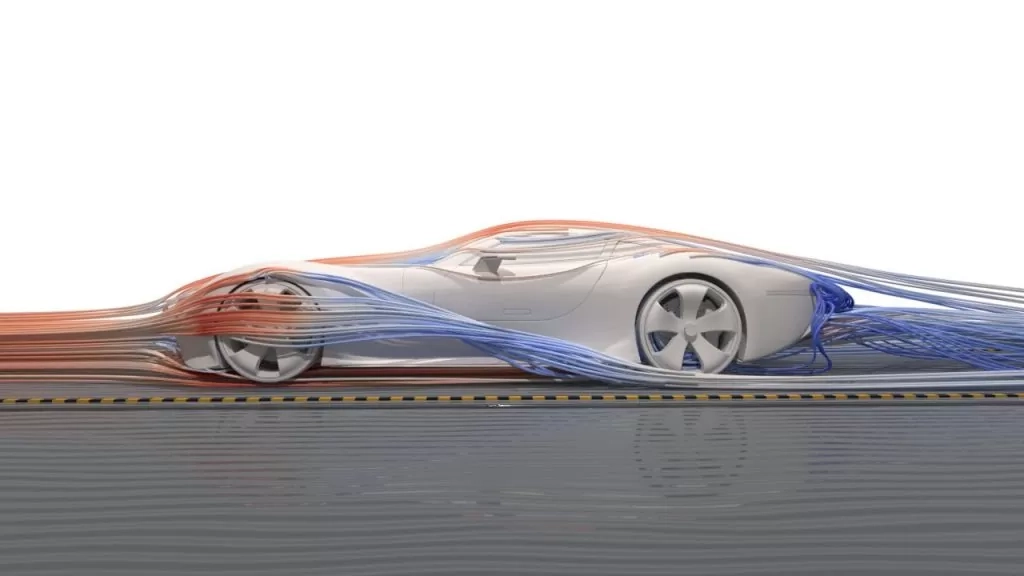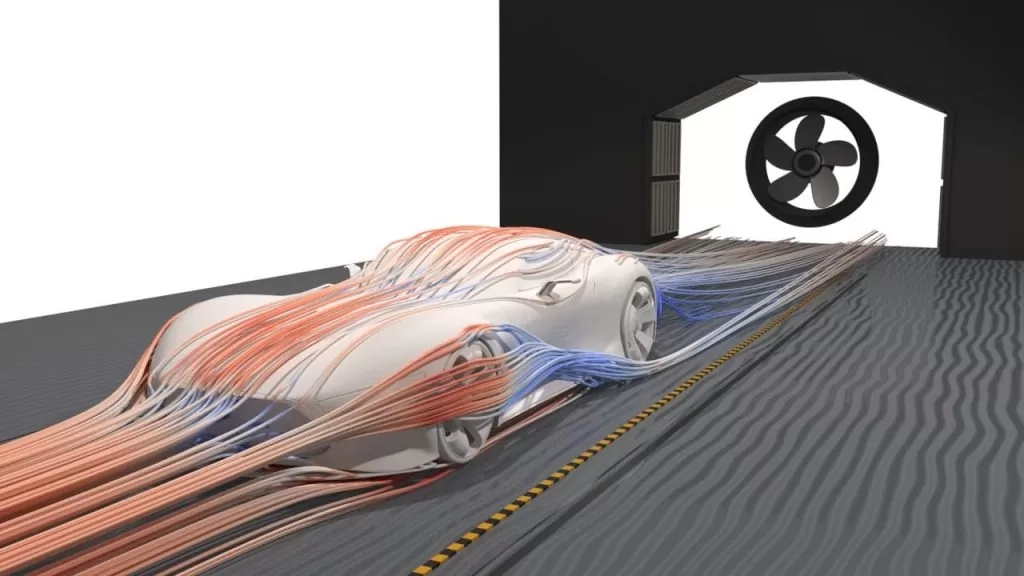
Picture a Formula 1 car hurtling down the straightaway at three hundred kilometers per hour. Invisible fingers of high-pressure air claw at its front wing, while a chaotic wake of spinning vortices rolls off its rear diffuser, desperate to suck the chassis backward. Traditional engineers once spent months building fragile wooden mockups and hauling them into massive, roaring wind tunnels just to see how that air behaved. Today, that multi-ton metal testing rig lives entirely inside a silicon chip.
This digital alchemy is known as computational fluid dynamics, or CFD. To the uninitiated, staring at a CFD textbook feels like reading an ancient alien dialect filled with sprawling partial differential equations, vector calculus, and tensor fields. The Navier-Stokes equations—the sacred texts governing every swirl of smoke and rush of river water—have mocked engineering students for generations. Yet, you do not need a master’s degree in applied mathematics to understand how these simulations actually function. Beneath the dense Greek symbols lies a remarkably simple, intuitive philosophy about how fluids move, collide, and interact with the physical world.
The evolution of fluid simulation has fundamentally transformed how humanity designs everything from jet engines and artificial heart valves to skyscrapers built to withstand Category 5 hurricanes. Decades ago, solving fluid motion required massive room-sized mainframes capable of only crude, two-dimensional approximations. As processing power exploded and algorithms matured, industries shifted from physical trial-and-error toward predictive digital prototyping. Modern software packages like OpenFOAM and commercial suites have democratized this capability, allowing mechanical, aerospace, and biomedical engineers to visualize invisible phenomena. Grasping how these tools translate physical reality into digital color maps without drowning in the underlying calculus is the ultimate superpower for the modern technical professional.
Breaking Down Fluid Behavior Through Intuitive Physical Logic
At its heart, computational fluid dynamics is simply bookkeeping for matter and energy. Imagine you are standing on a bridge looking down at a wide river flowing past a concrete bridge pier. If you drop a handful of autumn leaves into the water, you can watch them accelerate through narrow bottlenecks, swirl lazily in calm eddies behind the pillar, and rejoin the steady stream downstream. CFD does essentially the same thing, except it replaces your leaves with millions of virtual tracking points called nodes or cells.
Every fluid—whether it is liquid water, compressible air, or heavy lubricating oil—must obey three unbreakable laws of physics. First, matter cannot be created or destroyed, which means if a certain volume of air enters a tight space, an equal volume must leave it unless it gets compressed. Second, force equals mass times acceleration, meaning fluids speed up when pushed and slow down when dragged against a solid wall. Third, energy must balance out, accounting for heat transfer, friction, and pressure changes.
The primary breakthrough of CFD was figuring out how to translate these continuous, smooth physical laws into discrete arithmetic steps that a computer can digest. Instead of trying to calculate what every single molecule of air is doing—an impossible task requiring more computing power than exists on Earth—simulation software chops space into a giant three-dimensional net. By observing how properties like velocity, temperature, and pressure pass from one tiny box in the net to its immediate neighbors, the computer builds a complete picture of the fluid’s journey.
This compartmentalized view of reality strips away the intimidation factor of fluid mechanics. You do not need to memorize differential operators to understand that high pressure pushes things toward low pressure, or that moving fluids experience friction against solid boundaries. By focusing on these core cause-and-effect relationships, you can anticipate how a design will perform long before you ever click the run button on a simulation software suite.
The Anatomy of a Digital Wind Tunnel and Meshing Realities
Setting up a digital simulation is remarkably similar to staging a movie set. You need a digital actor—the 3D computer-aided design (CAD) model of your object—placed inside a virtual soundstage known as the computational domain. The quality of your results depends almost entirely on how you slice up that soundstage, a process engineers call meshing or grid generation.
Think of a mesh as a giant, three-dimensional mosquito net draped over and around your object. If your net has massive, clumsy holes, it will completely miss fine details like the sharp trailing edge of an airplane wing or the microscopic gaps in a cooling fin. Conversely, if your net is woven out of threads that are microscopically thin everywhere, your computer will choke on trillions of calculations and potentially take weeks to finish running a single test case. Striking the right balance requires clever mesh design, using dense clusters of tiny cells where action is intense—like right next to a wall where friction slows the fluid down—and larger cells out in the open stream where flow changes gradually.
Modern meshing strategies have evolved far beyond simple blocky grids. Tetrahedral meshes wrap smoothly around organic, complex shapes like human hearts or twisted turbine blades, while polyhedral meshes offer superior numerical stability and require fewer total cells to achieve high accuracy. Boundary layer meshing is another critical technique, generating razor-thin prismatic cells stacked neatly against solid surfaces to accurately capture the fierce velocity gradients occurring right at the wall.
Once your domain is neatly meshed, you must define the rules of engagement through boundary conditions. You tell the software where the fluid enters, how fast it is moving, what temperature it starts at, and where the exits are located. You also define whether the walls surrounding the fluid are sticky and stationary or slippery and moving. These boundaries act as the initial anchor points for the computer’s iterative guesswork, constraining the vast universe of mathematical possibilities into a single, physically accurate reality.
The Step-by-Step Workflow of Running a Successful Flow Simulation
Executing a reliable CFD analysis is a disciplined, multi-stage engineering process. Skipping steps or ignoring preliminary sanity checks is a fast track to producing colorful garbage—stunning visualizations that look impressive in a presentation but bear zero resemblance to physical reality.
- Step 1 (Geometry Cleanup and Preparation): Inspect the raw CAD file from industrial designers, removing microscopic fillets, stray construction lines, internal voids, and tiny gaps that would cause the meshing algorithm to crash or generate distorted, low-quality cells.
- Step 2 (Domain and Mesh Generation): Enclose the cleaned model inside a virtual wind tunnel or fluid volume, then apply adaptive meshing strategies with refined cell densities concentrated around high-gradient pressure zones and boundary layers.
- Step 3 (Physics and Boundary Condition Setup): Assign material properties such as density and dynamic viscosity, choose appropriate turbulence models based on expected Reynolds numbers, and establish precise inlet velocities, mass flow rates, and outlet pressure constraints.
- Step 4 (Solver Execution and Convergence Monitoring): Initialize the numerical solver and closely monitor residual plots, mass conservation metrics, and specific engineering forces like drag and lift to ensure the mathematical calculations settle into a stable, converged solution.
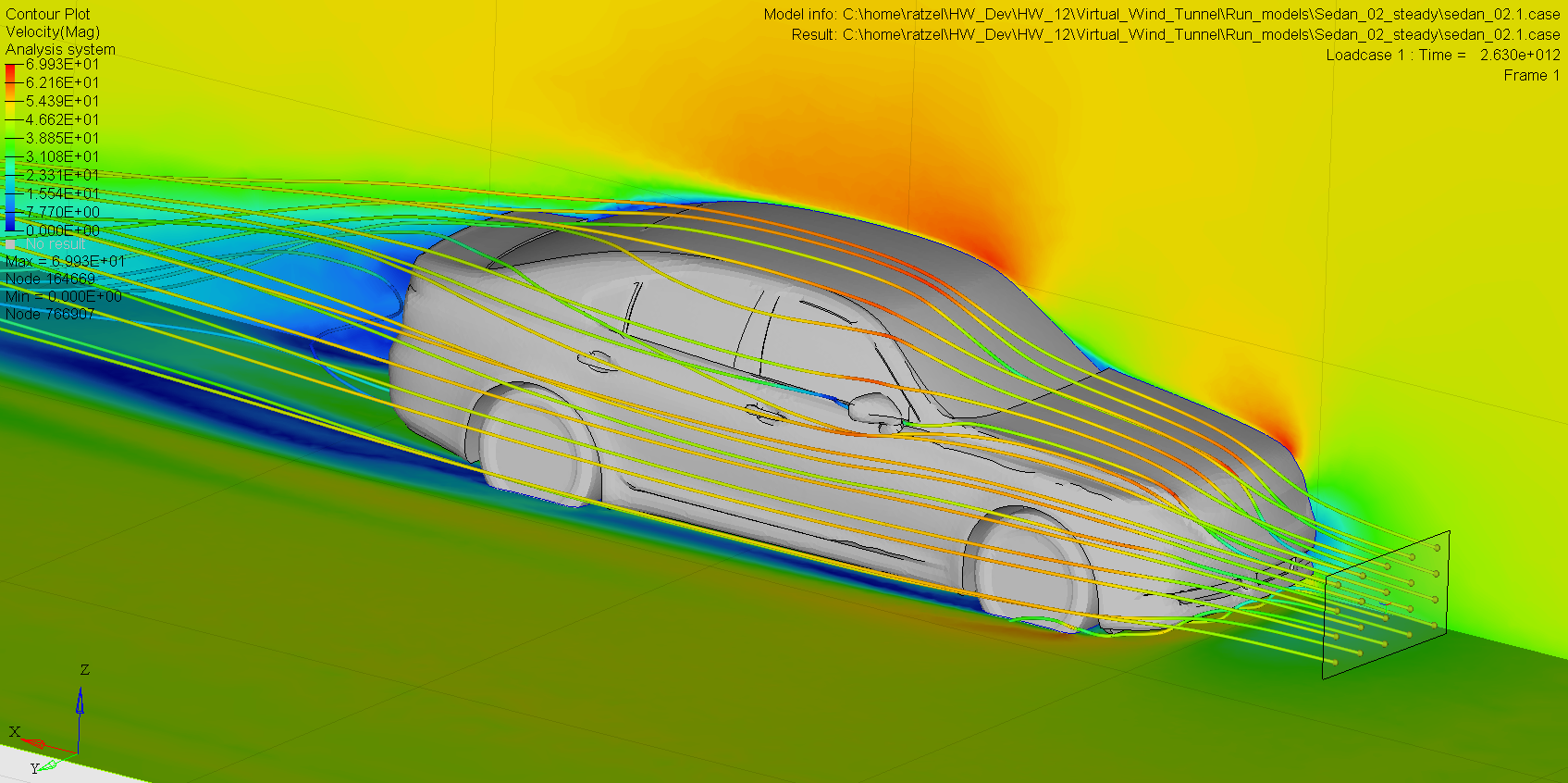
- Step 5 (Post-Processing and Validation): Extract meaningful insights by slicing through the 3D volume with cutting planes, generating particle streamlines, calculating pressure contours, and comparing findings against empirical wind tunnel data or analytical benchmarks.
Following this structured methodology removes the guesswork from numerical experimentation. Each phase acts as a vital quality gate, ensuring that errors introduced during CAD translation or mesh generation are caught and corrected before wasting hundreds of core-hours on corrupted simulation runs.
Navigating Common Simulation Pitfalls and Field-Tested Workarounds
Even experienced engineers occasionally fall prey to silent simulation traps that distort outcomes. Because computers always produce an answer when you press run, it is dangerously easy to accept physically impossible results simply because they rendered cleanly on a high-resolution monitor.
- Pitfall 1 (Over-Refining or Under-Refining the Mesh): Using a uniform mesh across the entire domain wastes computational power, while an overly coarse mesh near walls smears out critical boundary layer friction. The fix is performing a mesh independence study, systematically increasing cell density until output metrics like drag coefficients stop shifting significantly.
- Pitfall 2 (Choosing the Wrong Turbulence Model): Blindly applying basic models like standard k-epsilon to complex swirling flows or massive separation zones leads to terrible inaccuracies. Practitioners should use advanced approaches like Shear Stress Transport (SST) k-omega for wall-bounded flows or transition models when predicting boundary layer separation accurately.
- Pitfall 3 (Poor Aspect Ratios and Skewed Cells): Stretched or badly distorted grid elements introduce severe mathematical truncation errors that can cause the solver to diverge or spit out garbage numbers. Always check mesh quality metrics like skewness and orthogonal quality, keeping values well within established software safety margins.
- Pitfall 4 (Unrealistic Boundary Conditions): Placing inlet boundaries too close to the object of interest forces artificial flow acceleration and skews pressure distribution. Extend the inlet upstream by at least five to ten hydraulic diameters to allow the velocity profile to develop naturally before hitting the geometry.
- Pitfall 5 (Ignoring Convergence Criteria): Stopping a solver prematurely just because residual curves dropped slightly can leave you with an under-cooked solution. Always monitor physical parameters—such as surface pressure drop or outlet mass flow balance—to ensure they have flatlined into a true steady state.
Mastering these workarounds transforms you from a passive button-clicker into a discerning simulation analyst. Recognizing the limitations of numerical algorithms ensures that your digital models serve as reliable guides for physical prototyping rather than expensive sources of false confidence.
The Broader Impact of Virtual Prototyping on Modern Engineering and Design
The widespread adoption of accessible fluid simulation has fundamentally altered industrial economics across multiple sectors. In the aerospace industry, certifying a new wing profile or jet engine fan blade no longer requires building dozens of expensive full-scale physical prototypes. Instead, thousands of digital iterations are evaluated, optimized, and discarded on cloud-based compute clusters before a single piece of carbon fiber or titanium is ever cut.
Automotive manufacturers rely on virtual wind tunnels to shave fractions of a drag coefficient off electric vehicle bodies, directly translating into tangible increases in driving range on a single battery charge. Thermal management engineers in consumer electronics use internal flow simulations to route cooling air through cramped smartphone chassis and high-performance server racks, preventing silicon chips from throttling under heavy computing workloads. In the biomedical field, cardiovascular researchers simulate blood flow through artificial heart pumps and aneurysms, saving lives by optimizing device geometry to prevent dangerous clotting and tissue damage.
This digital shift also carries profound environmental benefits. By cutting down on physical manufacturing waste, reducing wind tunnel energy consumption, and optimizing fuel efficiency in marine shipping and aviation, simulation tools help industries meet stringent global emissions standards. As high-performance computing continues to evolve alongside machine learning surrogate models, the speed and fidelity of these predictive environments will only accelerate, bringing real-time interactive fluid simulation out of research labs and straight onto every engineer’s desktop.
Actionable Frameworks for Maximizing Simulation Value
To extract maximum ROI from your simulation efforts, you need to establish disciplined internal workflows that prioritize accuracy, repeatability, and cross-functional communication. Treat your CFD process as a scientific experiment rather than a black-box rendering machine.
- Establish Validation Protocols: Always anchor your digital models against physical test data, historical benchmark cases, or analytical solutions whenever possible to build trust with stakeholders.
- Standardize Modeling Guidelines: Create internal standard operating procedures (SOPs) for meshing standards, turbulence model selection, and convergence thresholds to ensure consistency across different engineering teams.
- Leverage Parametric Design Exploration: Combine flow solvers with automated design optimization loops to run hundreds of automated geometric variations, uncovering innovative shapes that human intuition might miss.
- Invest in Continuous Training: Keep your team updated on evolving numerical methods, high-performance computing infrastructure upgrades, and best practices in post-processing visualization.
- Communicate Insights Clearly: Translate complex velocity vectors, shear stresses, and pressure contours into clear, executive-friendly narratives that empower non-technical decision-makers to act decisively.
Implementing these practices bridges the gap between raw computational capability and practical business value. When teams treat simulation as a rigorous engineering discipline rather than a cosmetic afterthought, the results speak for themselves through superior products, reduced development costs, and accelerated time-to-market.
The invisible architecture of fluids dictates the performance of nearly every machine we build and every environment we inhabit. By stripping away the intimidating mathematical armor and focusing on fundamental physical logic, computational fluid dynamics transforms from an esoteric academic pursuit into an intuitive, creative canvas for modern problem solvers.
As we look toward the horizon of engineering design, the marriage of traditional numerical solvers with artificial intelligence promises even faster, more responsive predictive tools. Yet, the core mandate remains unchanged: understanding how matter moves through space. Armed with a solid grasp of basic principles, clean meshing strategies, and a healthy respect for convergence limits, you are fully equipped to harness the power of digital fluid simulation and engineer a more streamlined future.