Picture this. You walk through the front door with arms packed full of heavy grocery bags. The house is completely dark, and you are fumbling around trying to find the light switch with your elbow. Instead of dropping the eggs, you simply say a few words out loud, and the entire living room bathes in a warm, inviting glow. It feels like absolute magic, but it is just everyday life in 2026.
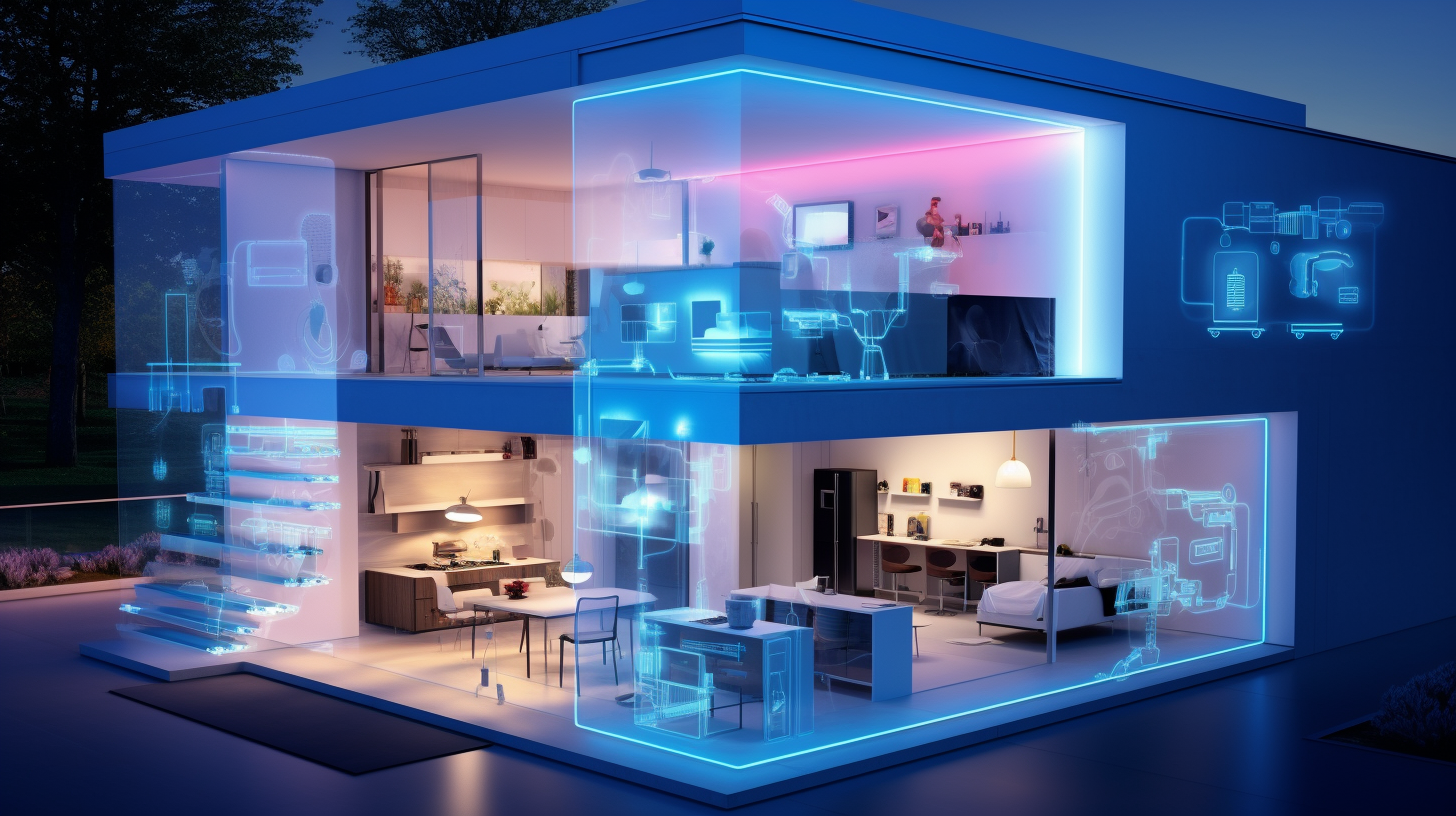
Stepping into the world of smart home lighting is one of the easiest ways to upgrade your living space. You do not need to be a technology wizard or hire an expensive electrician to pull this off. Whether you want to add some vibrant colors behind your television screen or just dim the bedroom lights without crawling out of bed, this guide will walk you through every single step. Let us turn your home into a futuristic sanctuary.
Getting the Right Gear for Your Space
Before you run out and buy the first shiny box you see on the store shelf, you need to check what works together. Not all smart lights talk to every voice assistant. You want to make sure the boxes you buy explicitly say they work with Alexa, Google Home, or Apple HomeKit, depending on what device is sitting on your counter.
Most bulbs today connect straight to your home Wi-Fi network, which is super convenient. However, some older systems or specific brands might require a tiny middleman box called a hub that plugs directly into your internet router. If you want a painless setup, look for "hub-free" options that link directly to your phone app.
Twisting in Your First Smart Bulb
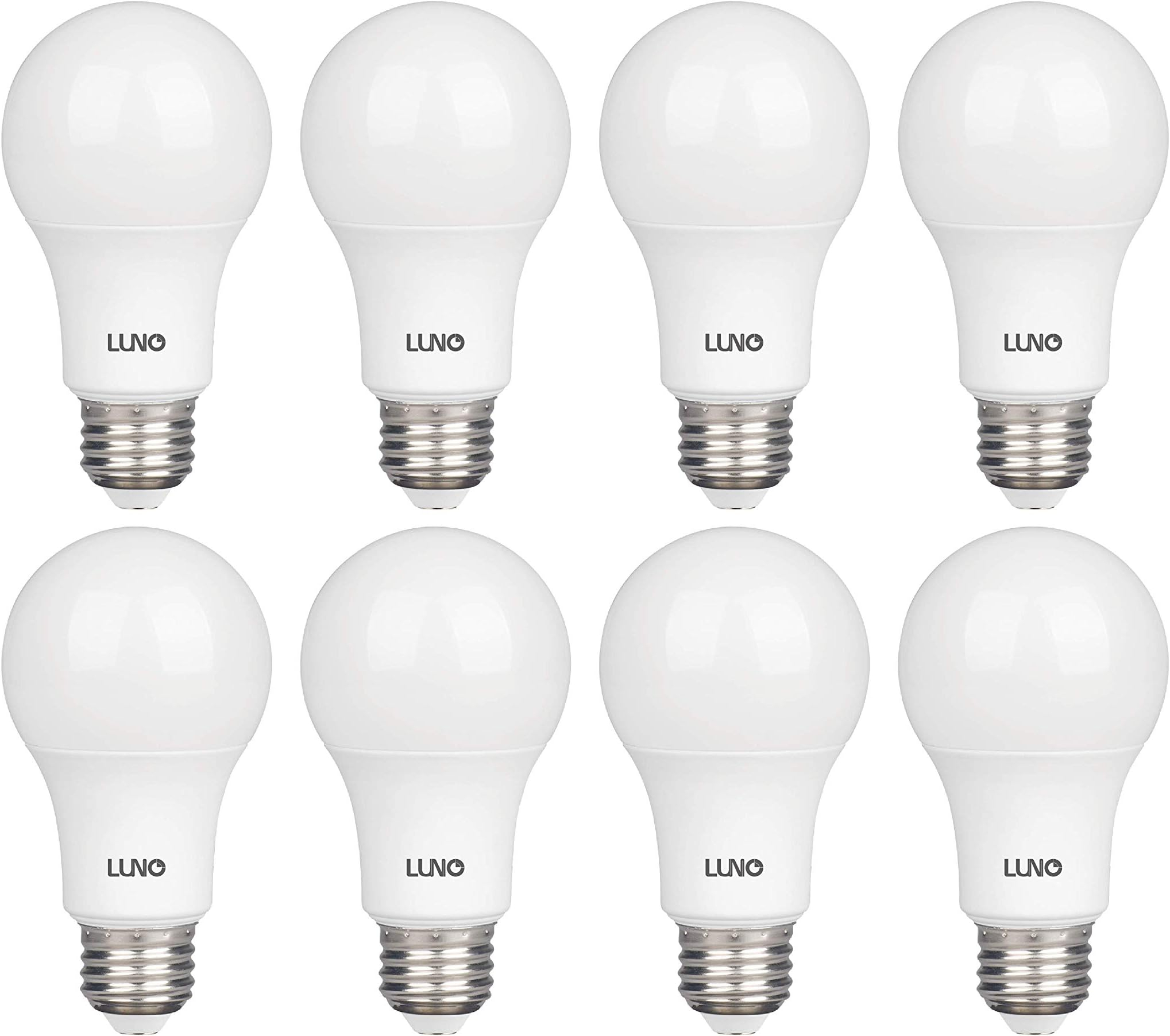
Setting up a smart bulb is almost identical to changing a regular old lightbulb. First, turn off the power switch to the lamp or overhead fixture so you stay totally safe. Twist out the old glass bulb, and gently screw the new smart bulb into the socket.
Once it is secure, flip the physical wall switch back on. Do not alarm yourself if the bulb starts flashing rapidly. That blinking is totally normal; it just means the light is shouting out for a connection and is ready to talk to your phone. Leave the physical switch turned on from now on, since cutting the power completely will make the smart features stop working.
Rolling Out the LED Strip Lights
LED light strips are amazing for adding hidden, moody glows under kitchen cabinets, beneath bed frames, or behind computer monitors. They usually come on a big reel with a sticky tape backing. Start by wiping down the surface where you want to stick them with a dry cloth to remove any dust.
Carefully peel off the adhesive backing and press the strip firmly against the surface as you unroll it. If the strip is too long, look closely for the little scissor icons printed directly on the tape. Those are the only safe places where you can snip the strip to fit your exact measurements. Finally, plug the end of the strip into its small smart controller box, and plug the power adapter into the wall.
Connecting the Lights to Your Phone
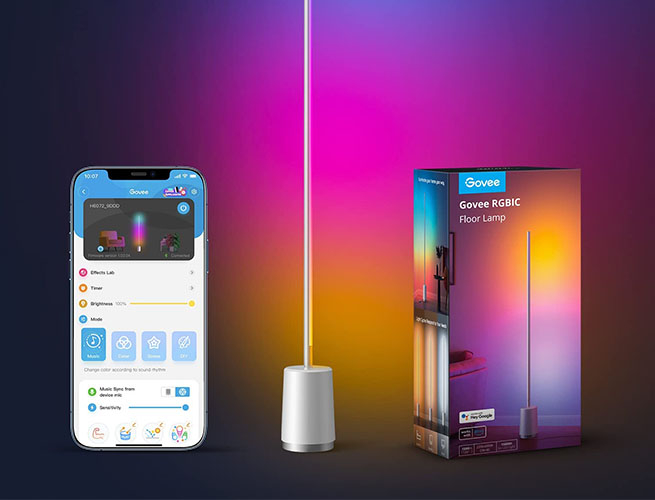
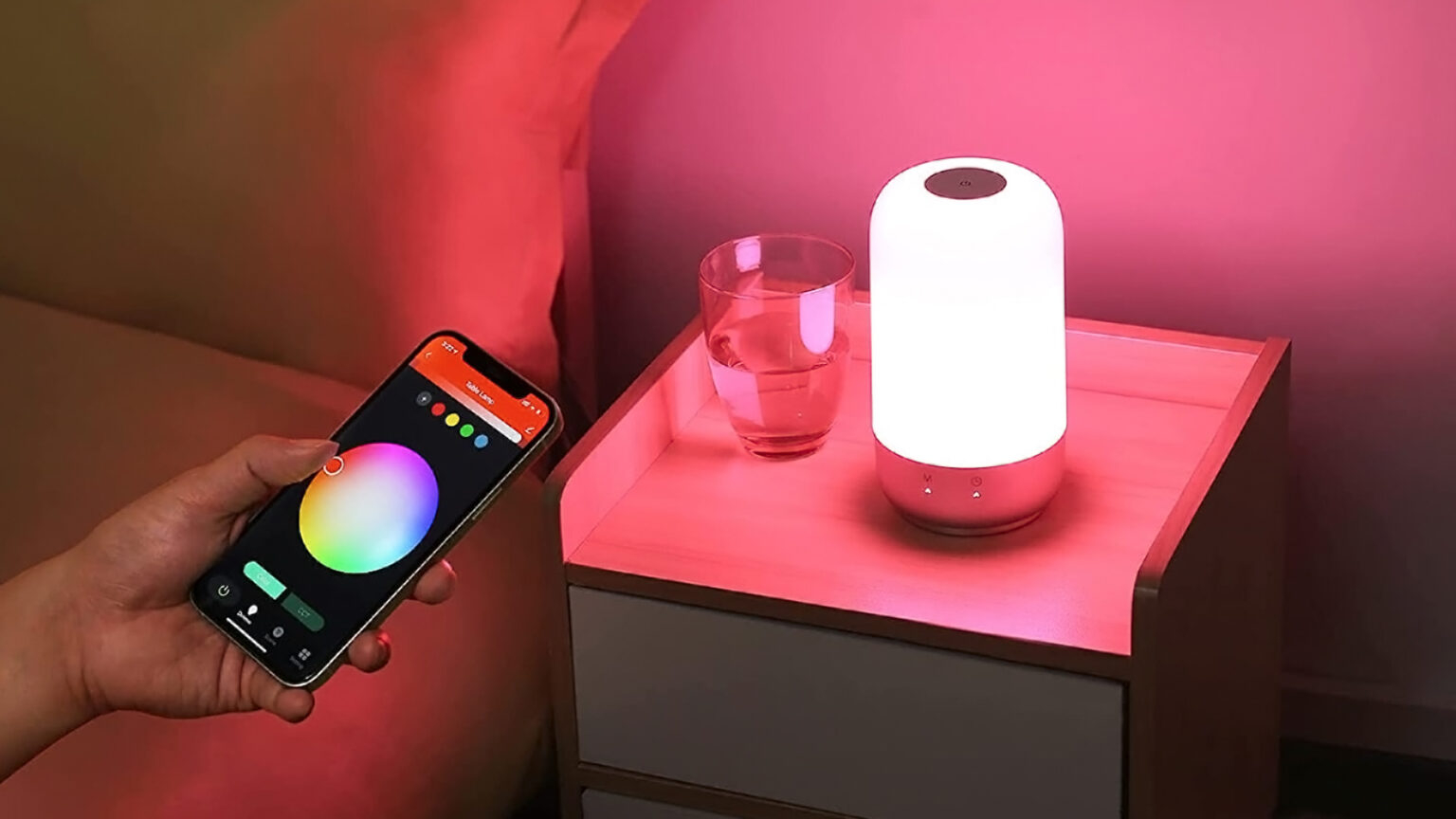
Now that the hardware is physically in place, it is time to give it some brains. Open up your smartphone and download the app created by the light manufacturer, like Hue, Lumary, or Smart Life. You will need to create a quick account using your email.
Make sure your phone Bluetooth is turned on and that you are connected to your home Wi-Fi network. Click the big plus sign or "Add Device" button inside the app. The app will scan the room, find your blinking light, and ask for your home Wi-Fi password. Type it in, wait a minute for the progress bar to finish, and your light is officially online.
Linking the System to Your Voice Assistant
This is where the real fun begins. To control everything with your voice, open up your main smart assistant app, like the Amazon Alexa or Google Home app. Look for the devices tab and choose the option to link a new service or skill.
Search for the name of the light manufacturer app you downloaded earlier and log in with those same credentials. This gives permission for your smart speaker to talk to your lights. Once the accounts are linked, run a quick discovery scan. Your speaker will magically pull in all your new lights, and you can assign them to specific rooms like "Kitchen" or "Bedroom."
Creating Custom Lighting Rooms and Scenes
If you want to feel like you are truly living in the future, you need to organize your lights logically. Give each bulb a clear, simple name that is easy to say out loud, like "Desk Lamp" instead of "Bulb Number Four." Trust me, this saves a lot of headaches later.
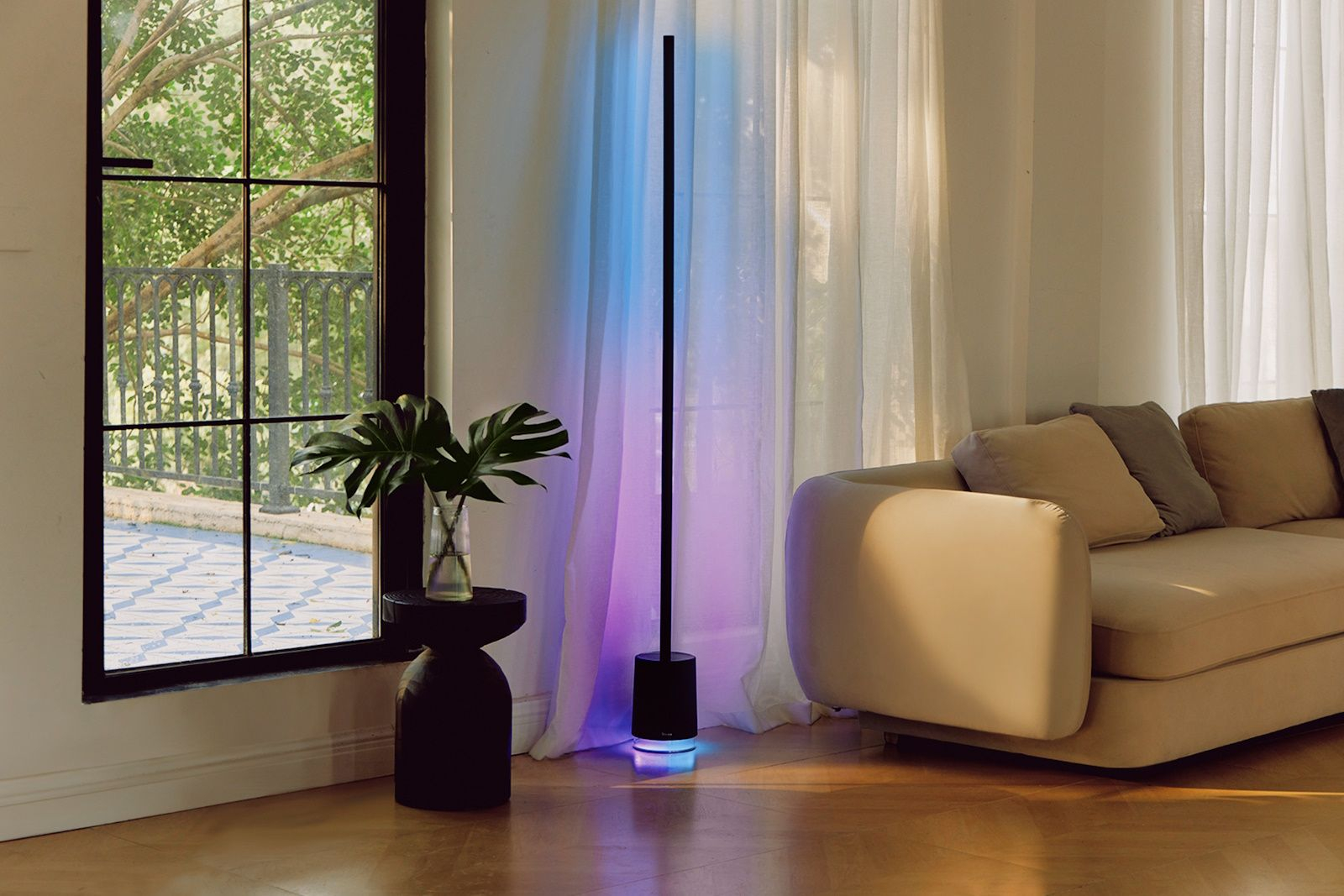
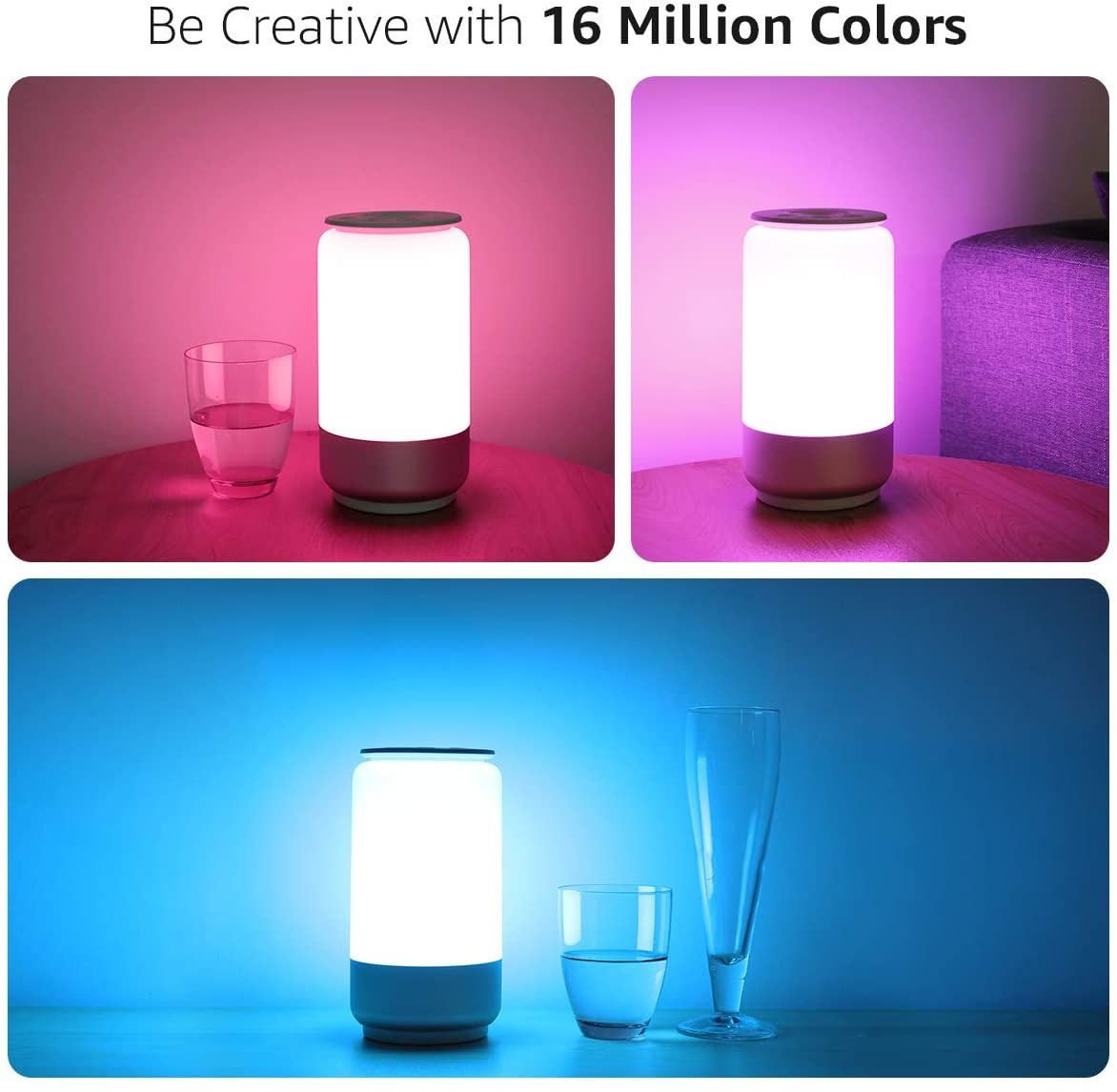
Inside your voice assistant app, you can build custom groups so saying "turn off the living room" shuts down the lamps and the LED strips at the exact same time. You can also build custom color scenes. Try setting a "Movie Night" scene that drops the overhead brightness down to ten percent and turns the LED strips behind the TV to a deep, dark blue.
That is really all there is to it. By breaking the process down into simple chunks—getting the right gear, installing the physical lights, and syncing the software—you have completely transformed how you interact with your home. It takes a tiny bit of patience during the initial pairing phase, but the payoff is absolutely worth it.
Go ahead and give it a test run. Speak to your room, adjust the colors to match your mood, and enjoy the ultimate convenience of hands-free lighting. You have successfully built a smarter, cozier living space. What custom lighting scene are you going to build first?