If outdoor lights still work but switch on at the wrong time, resist the urge to erase the entire schedule immediately. First record what the controller thinks the time is and what it is supposed to do. A clock setting, a schedule, a light sensor and a phone connection are different parts of the problem. This checklist helps you organize safe, user-accessible checks before deciding whether the system needs technical service.
It is not an electrical repair guide. Do not open wiring compartments, bypass protective devices or work on damaged or wet equipment. Have a qualified professional investigate exposed wiring, signs of overheating, repeated protective-device trips or other electrical faults. Use the instructions for your exact model; examples below are not interchangeable button sequences.
Write down the symptom before changing a setting
Begin with a short observation: “The front path lights came on in daylight,” “the patio zone stayed on after its scheduled stop,” or “the app showed the device offline.” These describe different problems. Avoid replacing them with the less useful note “timer broken.”
Kichler’s troubleshooting guide starts with documentation, the time the problem appeared and whether the fault affects the whole system or only some fixtures. It also identifies control schedules and backup batteries as things to check.[1] Its guide includes contractor-level electrical work; the steps here deliberately stay with observations and normal controls.
Take screenshots or photographs of the current settings. Record the controller’s model, the affected area and whether there was a recent outage, new installation or yard work. Keep a separate line for observations you have not confirmed. This gives you a starting point if a change fails and a useful handoff if you call the installer.
Identify which control is actually making the decision
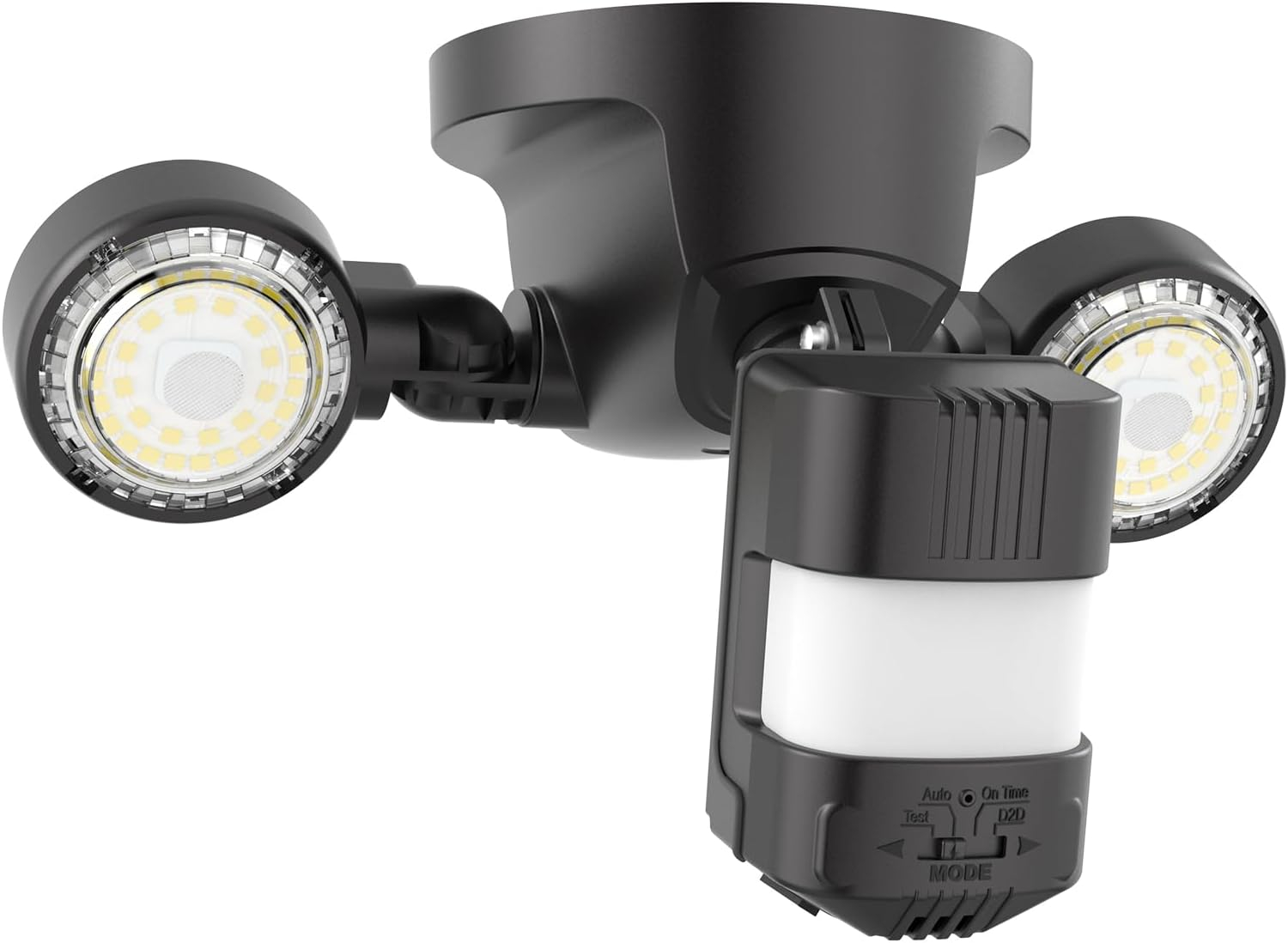
Read the device label and manual rather than guessing from the appearance of the outdoor fixture. List the controls mentioned in the installation record: a timer, a light sensor, a smart controller, or more than one component. Ask the installer to clarify any unknown part before you try to adjust it.
For a smart system, note the individual zone as well as the device. Kichler’s app documentation describes separate scheduling for up to three zones on its Smart Control Transformer, along with location-based and custom schedules on supported equipment.[2] A correct setting on one zone does not establish what another zone has been told to do.
Use plain names in your notes: front steps, side path and patio are easier to compare with what you see than an unexplained list of numbered zones. Do not rename or delete existing shared controls until you know who else uses them and what those controls operate.
Check the clock before rewriting the schedule
Compare the displayed time with the current local time. Check AM versus PM, the calendar date and any location or time-zone setting the manual requires. If the display is wrong, record that first. Correct the required clock setup through the normal user controls, then review the schedule without changing its intended times yet.
For example, the Intermatic HB800 instructions require completion of time, date and location setup for its astronomical and automatic daylight-saving features. They also distinguish AUTO operation from manual and random modes.[8] Those details explain why checking only a displayed hour is not enough on that model.
Do not assume every US location uses the same seasonal clock setting. Follow the location options in the correct manual. If the controller offers a sunset-based event, record that selection as well as any displayed time. “At sunset” and “at a fixed clock time” are not the same instruction to give a controller.
Review the start, stop, day and operating mode together
Make a simple schedule sheet for the affected area. Copy the start rule, stop rule, selected days and current operating mode exactly as shown. A screenshot of only the start time leaves important questions unanswered. Check whether you are looking at a weekday schedule, a weekend schedule or a single-day entry.
Use a clearly labeled imaginary example to test your notes: suppose a patio zone is intended to start at dusk and stop at 10:00 PM every day. Your worksheet should contain both actions and all seven days, not just “dusk.” This is a planning example, not a recommended universal cutoff or a claim about what your controller supports.
If you find an unexpected entry, record it before removing it. If you find no obvious discrepancy, leave the schedule intact while investigating other observations. Changing the clock, mode, start rule and stop rule together makes it difficult to learn which adjustment mattered.
Separate a Wi-Fi interruption from a power interruption
An offline phone connection does not by itself establish that the lighting schedule disappeared. Kichler specifically documents onboard memory control that can continue controlling lights when Wi-Fi is interrupted.[2] Check what the lights actually did before deleting the device from an app or repeating its initial setup.
Likewise, a saved schedule and a correct clock are separate questions. The HB800 manual describes battery-supported timekeeping and program storage in nonvolatile memory; it also distinguishes clearing the clock from clearing the stored programming.[8] Consult your model’s instructions before pressing a reset button simply because an outage occurred.
Make two notes: “schedule entries still visible” and “clock currently correct.” Mark each yes, no or not checked. If the manual identifies a user-replaceable backup battery, follow its procedure and battery specification. Do not extend that advice to an inaccessible battery or a controller with a different design.
Test one change and leave a useful record
After a permitted adjustment, restore the documented normal operating mode. Observe the next scheduled start and stop rather than treating a successful manual ON command as proof the schedule works. Record the expected action, actual action, local time and affected zone. If you cannot observe a transition, mark it unverified instead of recording a pass.
Keep the comparison small. For the first check, ask whether the lights followed the intended start rule. For the second, ask whether they stopped as intended. If the same discrepancy returns, send the installer the model number, original screenshots, the single change made and the observed result.
A good finish is either a verified schedule or a precise service request. You do not need to solve wiring, connectivity and every lighting-design question in one session. Preserve what you know, avoid destructive resets without a reason, and stop at the boundary between ordinary user controls and electrical repair.
Sources
- [1] Troubleshooting a Landscape Lighting System | Kichler Lighting
- [2] Kichler Lighting Mobile App Support | Kichler Lighting
- [8] Intermatic HB800 Series Digital Outdoor Timer Installation and User Instructions